Universal Smart TV Remote
Smart Tv remote control
Downloads
500,000+
Version
Latest
Advertisement
Click to download now, finish the installation quickly, and directly unlock the "all-round experience"
Advertisement
Screenshots
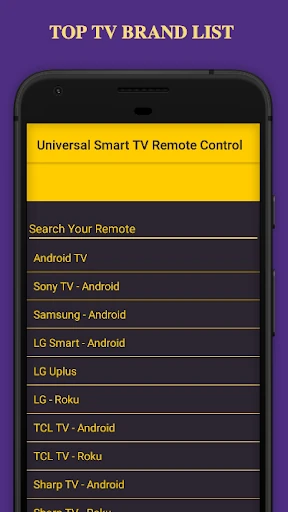
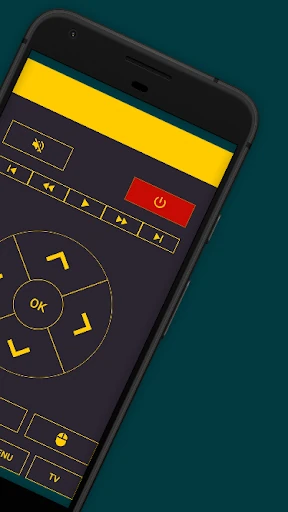
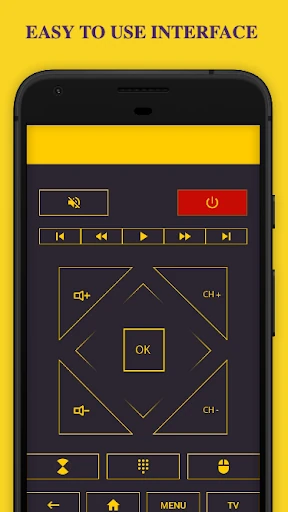
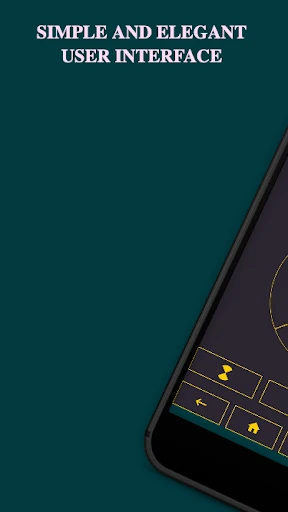
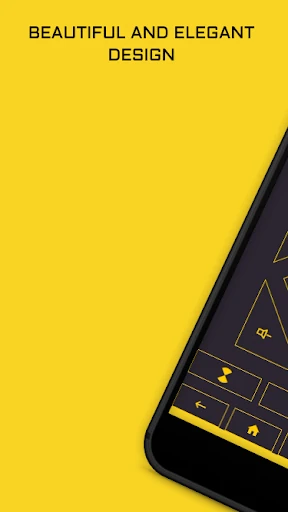
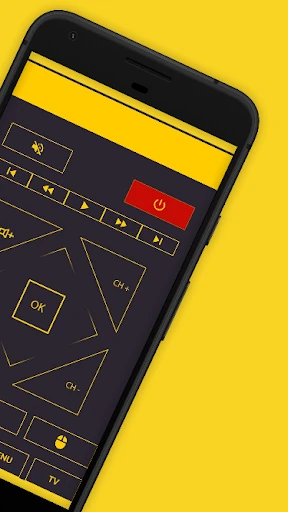
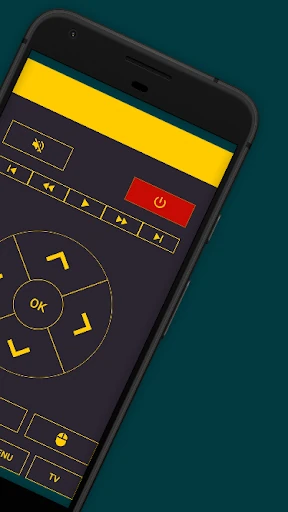
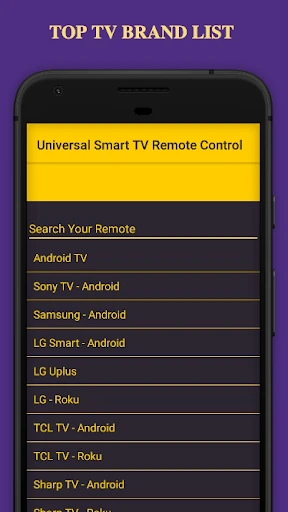
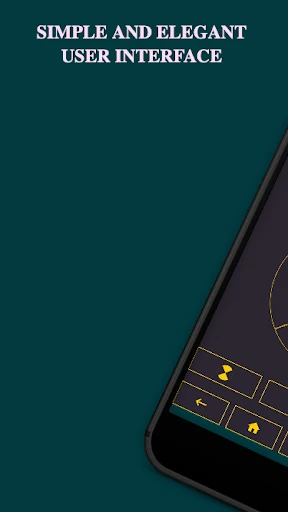
Click to download now, finish the installation quickly, and directly unlock the "all-round experience"
The Universal Smart TV Remote positions itself as a critical utility within the House & Home ecosystem, aiming to replace the physical clutter of multiple controllers with a singular, software-based solution. As a versatile bridge between mobile devices and home entertainment hardware, it leverages both legacy Infrared (IR) technology and modern Wi-Fi connectivity. This dual-path approach ensures broad compatibility, making it a reliable choice for households managing a mix of smart and non-smart appliances. By centralizing control into a single interface, it simplifies the user's interaction with their domestic environment, effectively turning any Android smartphone into a sophisticated command center.
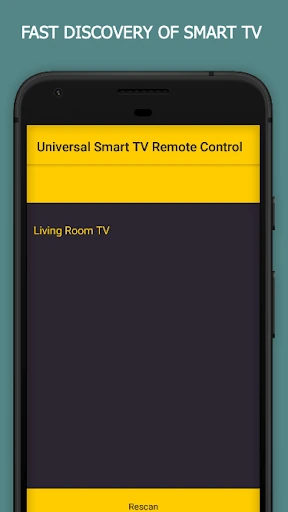
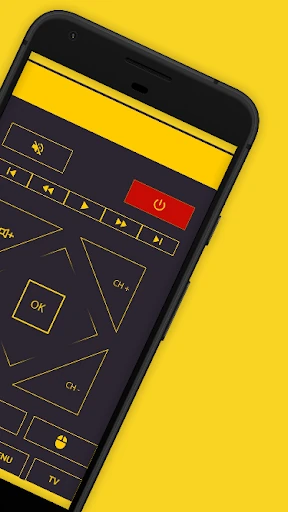
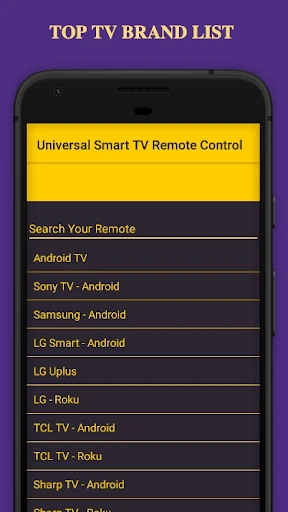
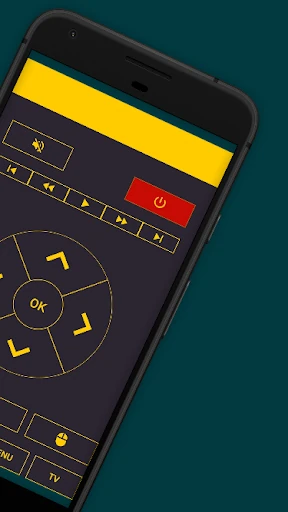
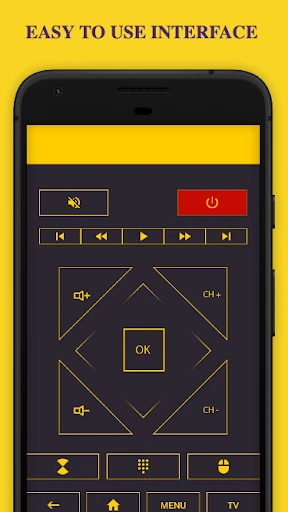
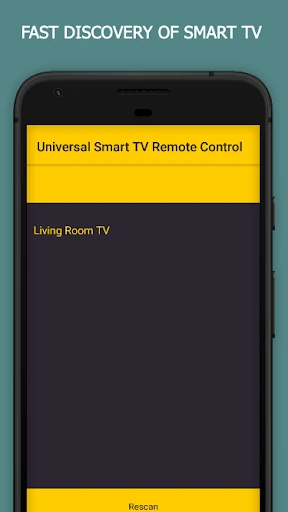
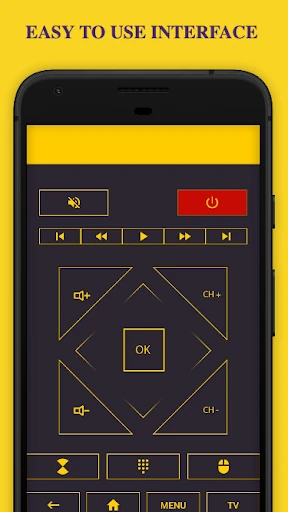
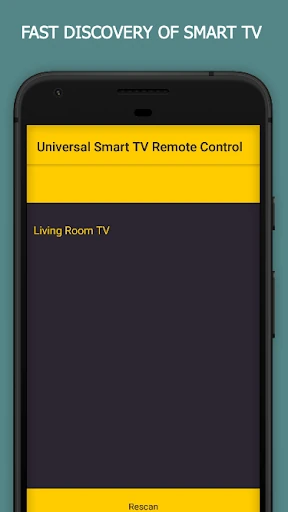
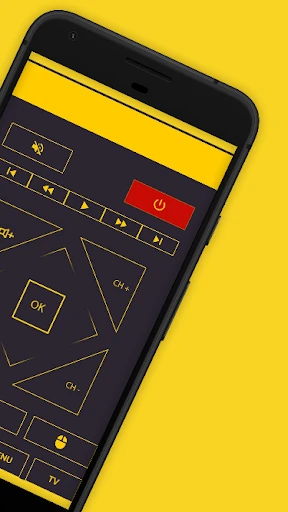
In the House & Home category, user friction is the primary enemy. Universal Smart TV Remote addresses this through a "single-tap" connection philosophy and a no-signup requirement, which is a significant UX win for users who want immediate functionality. The interface follows a logical flow: device selection followed by brand identification, which mirrors the mental model of a user setting up a physical universal remote. While the UI focuses on utility over aesthetic flair, the layout is functional and prioritizes the buttons used most frequently, such as volume, power, and navigation pads, ensuring they are easily accessible during one-handed use.
To further dominate the smart home space, the app could benefit from a more modern, customizable UI that allows users to create "Favorites" dashboards for frequently used buttons from different remotes on a single screen. Additionally, integrating voice command support through Google Assistant would elevate the hands-free experience. Improved haptic feedback during button presses would also help simulate the tactile feel of a physical remote, providing better confirmation of user inputs.
Universal Smart TV Remote is an essential tool for users seeking to declutter their living space or for those frequently plagued by lost hardware remotes. It is particularly well-suited for multi-generational households with a diverse mix of device brands and technology ages. If you are looking for a straightforward, no-nonsense utility to centralize your home entertainment control, this app is a highly recommended addition to your digital toolkit. It is best used on a smartphone with an IR blaster for maximum versatility, but it remains a solid choice for any smart home enthusiast.