🏆 Expert Verdict & Overview
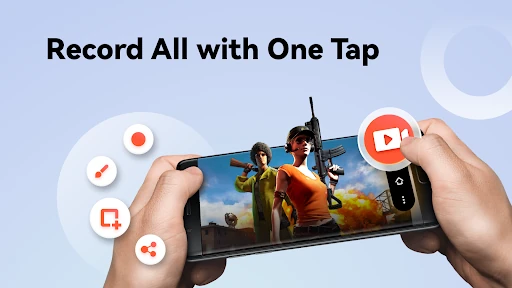
Screen Recorder - AX Recorder establishes itself as a high-performance, versatile solution within the competitive Video Players & Editors landscape. While many mobile recorders struggle with performance overhead, AX Recorder manages to deliver a lightweight experience without compromising on output quality. By offering 1080p recording at 120FPS with no watermarks, it caters directly to the growing demand for professional-grade mobile content creation. It is more than just a capture tool; it is a comprehensive suite that bridges the gap between raw screen capture and polished social media production.
🔍 Key Features Breakdown
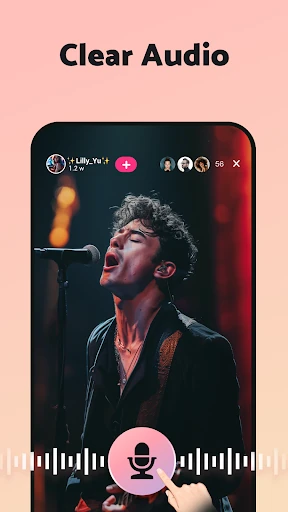
- Internal & External Audio Recording: Solves the common problem of muffled sound by allowing users on Android 10 and above to capture crisp system audio alongside microphone input.
- Integrated Facecam Overlay: Enables streamers and educators to record their reactions and facial expressions in real-time, significantly increasing viewer engagement and personality.
- Precision Region Recording: Provides the flexibility to record only specific areas of the screen, which is essential for maintaining privacy or focusing on specific UI elements.
- Real-time Annotation Tools: The brush and doodle features allow users to highlight, draw, and note directly on the screen during a recording, making it an invaluable tool for tutorials and presentations.
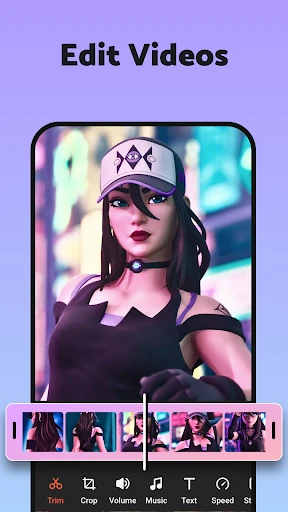
- Full-Featured Editing Suite: Eliminates the need for third-party software by allowing users to trim, crop, add music, and apply filters to their videos immediately after recording.
🎨 User Experience & Design
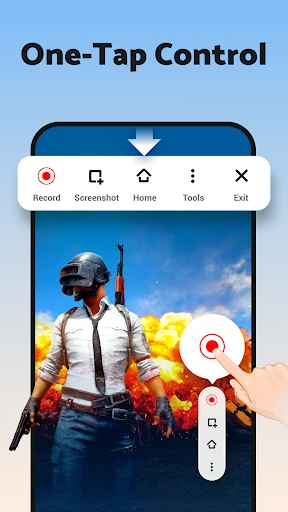
The UI of AX Recorder is engineered for accessibility and efficiency. Adhering to modern design standards for utility apps, it employs a clean interface that minimizes cognitive load. The "Floating Ball" mechanic is particularly effective, offering a non-intrusive control hub that stays accessible without cluttering the recording. For an app in the Video Players & Editors category, the UX feels exceptionally smooth, successfully simplifying complex tasks like frame rate adjustment and video compression into a few intuitive taps.
⚖️ Pros & Cons Analysis
- ✅ The Good: Supports high-definition output up to 120FPS and 16Mbps, ensuring buttery-smooth gameplay footage.
- ✅ The Good: Completely watermark-free recording out of the box, which is a rare and highly valued feature for free users.
- ❌ The Bad: The requirement for both Floating Ball and Notification Bar permissions can be a barrier for users concerned with minimalist permission settings.
- ❌ The Bad: Advanced editing features like merging or complex filtering may tax the hardware of older, entry-level smartphones.
🛠️ Room for Improvement
While the feature set is robust, the addition of automated cloud backup to services like Google Drive or OneDrive would be a significant upgrade for managing storage. Furthermore, incorporating AI-powered background noise suppression for external audio would further professionalize the output for users recording in less-than-ideal acoustic environments.
🏁 Final Conclusion & Recommendation
Screen Recorder - AX Recorder is a premier choice for mobile gamers, digital educators, and social media creators who require a "one-stop-shop" for video production. Its combination of high-fidelity recording, real-time annotation, and built-in editing tools makes it a standout utility. We highly recommend this app for anyone looking to produce high-quality YouTube or TikTok content directly from their mobile device without the typical restrictions of watermark-heavy competitors.