QuickMap
California Department of Transportation
Downloads
100,000+
Version
Latest
Advertisement
Click to download now, finish the installation quickly, and directly unlock the "all-round experience"
Advertisement
Screenshots
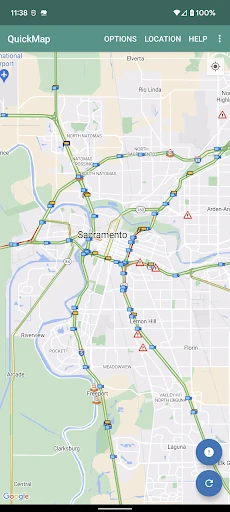
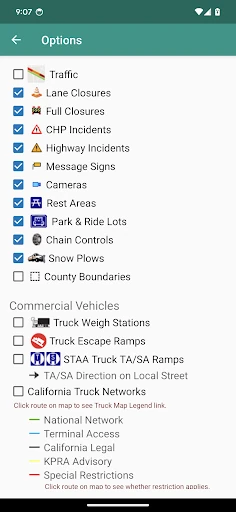
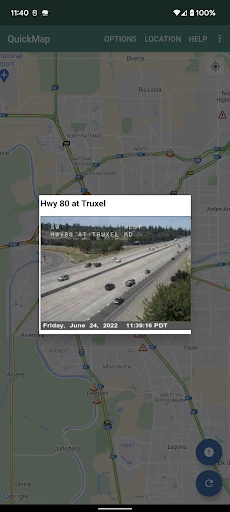
Click to download now, finish the installation quickly, and directly unlock the "all-round experience"
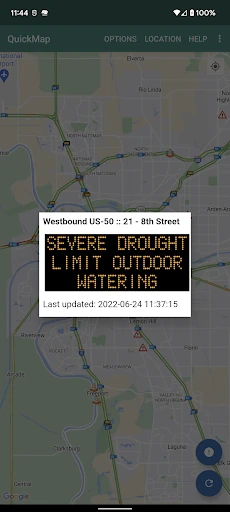
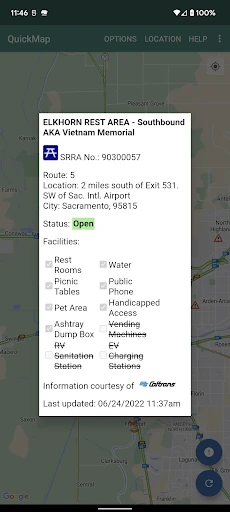
QuickMap stands as the authoritative "first-party" utility for anyone navigating California’s expansive highway system. Developed directly by Caltrans, it bypasses the data-aggregation lag often found in mainstream navigation apps by providing direct access to state-managed sensors and reporting systems. While it lacks the flashy turn-by-turn navigation of Google Maps, it excels as a specialized tactical tool for real-time situational awareness, making it an essential companion for daily commuters, mountain travelers, and commercial logistics professionals.
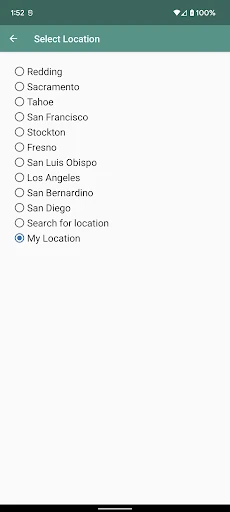
The interface of QuickMap follows a utility-first design philosophy, prioritizing data density and accessibility over aesthetic flourish. The map-centric UI allows for rapid scanning of geographic areas, and the persistent preference settings are a significant UX win, preventing users from having to re-configure their filters every time they open the app. However, the reliance on a manual "Refresh" button and the utilitarian icon set feel somewhat dated compared to modern Material Design standards, suggesting a focus on reliability rather than visual trendiness.
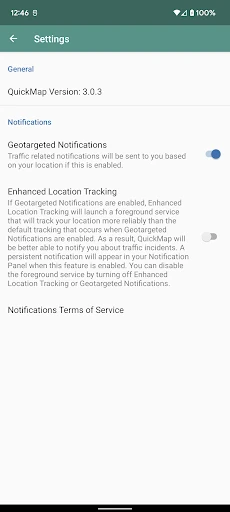
To evolve into a more modern utility, QuickMap should implement an intelligent auto-refresh feature to keep the data current without manual user intervention. Additionally, the developers could benefit from adding a "Route Overlay" feature, where a user could input a destination and see Caltrans-specific hazards strictly along that path. Improving the power efficiency of the background location polling would also make the safety notification feature more viable for long-distance drivers.
QuickMap is an indispensable secondary tool for any driver within the state of California. It is specifically recommended for commercial truckers who need network-specific data and mountain travelers who require real-time updates on snow plows and chain requirements. While it won't replace your primary turn-by-turn GPS, it provides the "source of truth" highway intelligence that mainstream apps simply cannot match.