
Advertisement
Click to download now, finish the installation quickly, and directly unlock the "all-round experience"
Advertisement
Screenshots
Click to download now, finish the installation quickly, and directly unlock the "all-round experience"
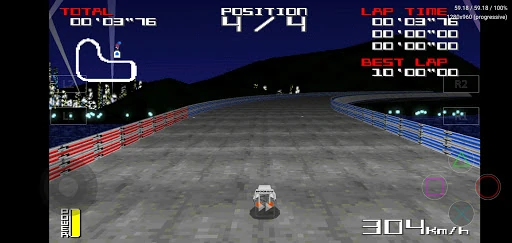
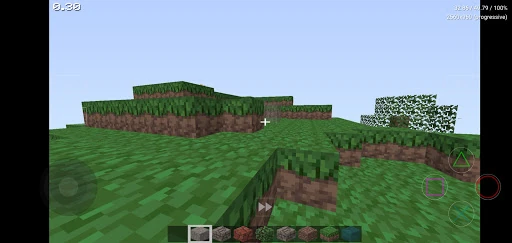
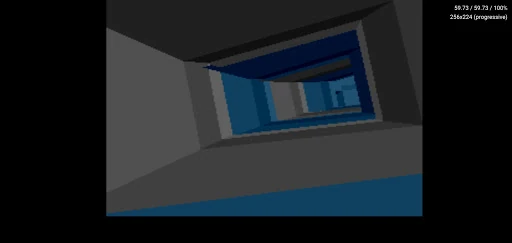
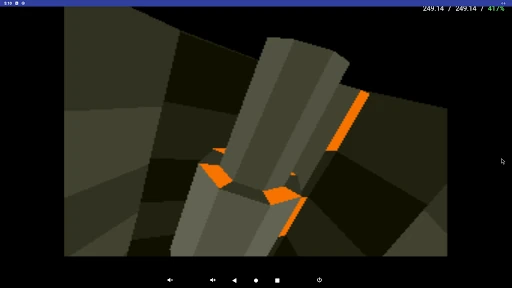
DuckStation represents the gold standard in Sony PlayStation (PS1/PSX) emulation, bridging the gap between nostalgic arcade gameplay and modern hardware capabilities. As a standout in the mobile arcade and emulation landscape, it prioritizes a trifecta of accuracy, speed, and long-term maintainability. Unlike older emulators that often sacrifice visual fidelity for performance, DuckStation leverages sophisticated rendering backends to deliver a near-pixel-perfect experience while maintaining exceptional frames-per-second on modern Android devices. It is a vital cornerstone for enthusiasts seeking to preserve and enhance their classic gaming library with professional-grade tools.
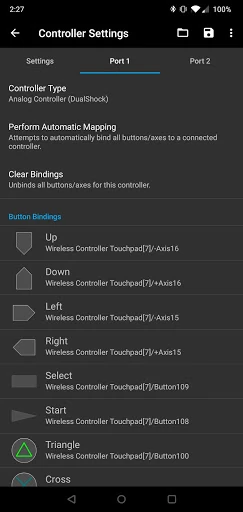
The interface of DuckStation is a masterclass in utility-driven design. While many arcade-style emulators struggle with cluttered menus, DuckStation provides a streamlined UI that organizes game libraries with clear visual previews. The touch-control overlay is highly modular, allowing for deep customization of layout and scaling, which is essential for ergonomic gaming on diverse screen sizes. The inclusion of a "pause menu" layout editor reflects a deep understanding of user psychology, allowing for real-time adjustments without exiting the gameplay loop. However, the interface retains a technical edge that rewards users who enjoy fine-tuning their experience.
To further lower the barrier to entry, DuckStation could implement a more intuitive "First-Run Wizard" that guides users through BIOS placement and directory scanning in a step-by-step format. Additionally, while the experimental Reshade FX support is a welcome addition for power users, a curated library of "One-Tap" visual presets (such as CRT-Royale or Scanline filters) would significantly enhance the experience for users who want a retro look without diving into complex shader chains.
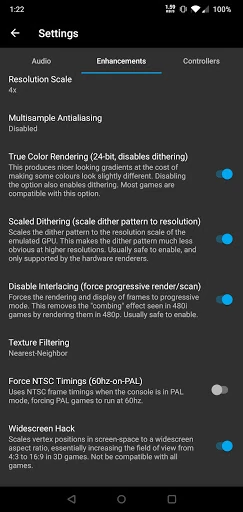
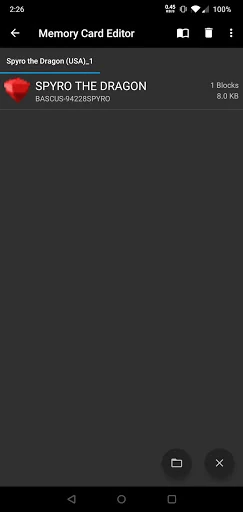
DuckStation is the definitive recommendation for serious retro gamers and "power users" who demand the highest possible fidelity from their mobile gaming experience. It is specifically targeted at enthusiasts with mid-to-high-end Android hardware who value technical accuracy and visual enhancements like PGXP and widescreen rendering. While casual users may find the BIOS setup and file requirements slightly daunting, the payoff is an unparalleled arcade experience that makes classic PlayStation titles feel like modern remasters.