Advertisement
Click to download now, finish the installation quickly, and directly unlock the "all-round experience"
Advertisement
Screenshots

Click to download now, finish the installation quickly, and directly unlock the "all-round experience"
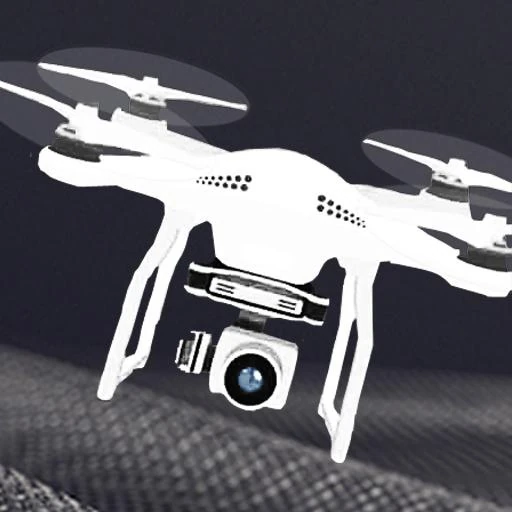
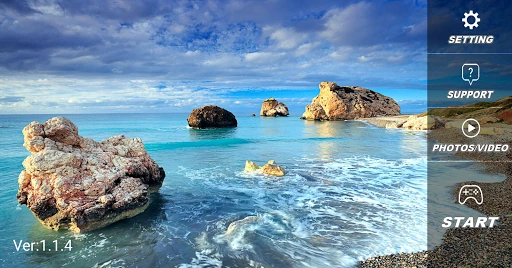
RC FPV is a functional utility designed to bridge the gap between quadcopter hardware and mobile devices through wireless Wi-Fi HD transmission. In the broader Photography landscape, it serves as a critical interface for aerial imaging, allowing users to transform their smartphones into dedicated first-person view (FPV) monitors. The application is positioned as a versatile companion for hobbyist pilots, offering a suite of flight and capture tools that are typically reserved for more expensive, proprietary systems. While it leans heavily into utility, its focus on real-time visual feedback makes it a staple for entry-level aerial photography.
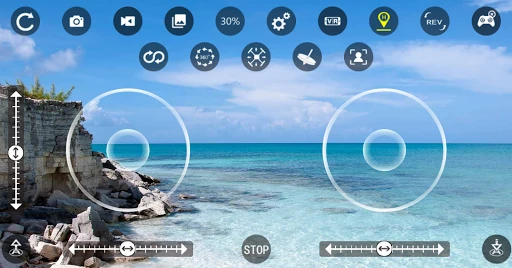
The user interface of RC FPV is designed with a "function-first" philosophy. The layout prioritizes the live camera feed, using transparent HUD (Heads-Up Display) overlays to ensure that control icons do not obstruct the visual field. For the Photography category, this is essential as it maximizes the user's ability to monitor composition. While the UI may feel somewhat utilitarian compared to high-end creative suites, the UX is intuitive; the transition between manual joystick control and automated modes like gravity sensing is seamless, making it accessible for users who may not have extensive experience with traditional RC transmitters.
To further elevate the app within the Photography category, developers should consider adding basic post-processing tools or color filters directly within the media gallery. Additionally, implementing a signal strength indicator and a low-battery warning overlay would greatly enhance flight safety and user confidence. Improving the UI aesthetics to a more modern, minimal design would also help the app compete with premium drone software alternatives.
RC FPV is an ideal solution for casual drone enthusiasts and budding aerial photographers who require a reliable, multi-functional interface for their flight hardware. It offers a solid balance of control and creativity, making it particularly well-suited for users who want to explore FPV flying without a steep learning curve. We recommend this app for hobbyists who prioritize ease of use and immersive flight features over professional-grade cinematography tools.