Advertisement
Click to download now, finish the installation quickly, and directly unlock the "all-round experience"
Advertisement
Screenshots
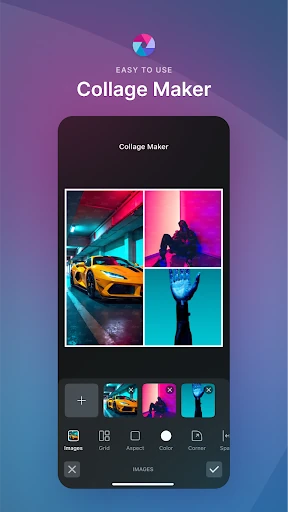
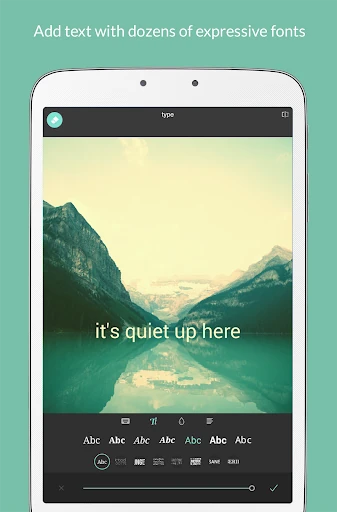
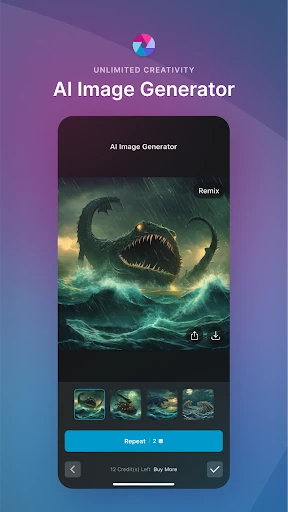
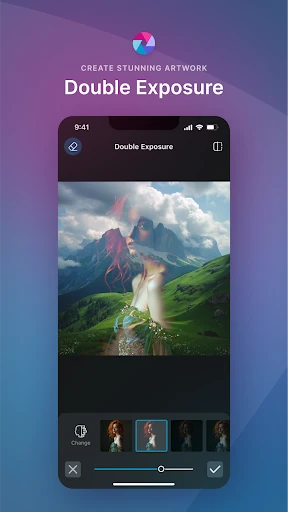
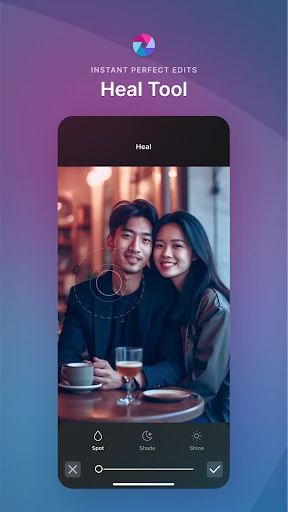
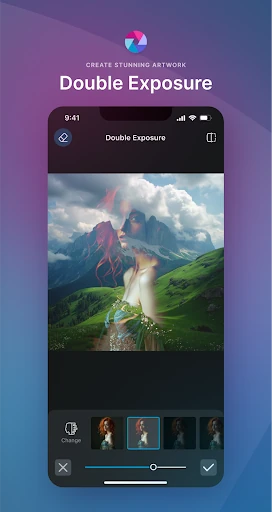
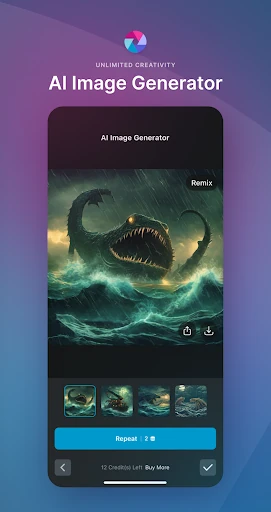
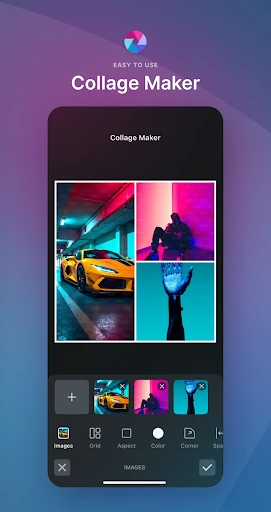
Click to download now, finish the installation quickly, and directly unlock the "all-round experience"
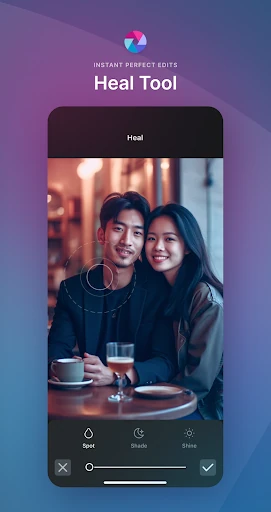
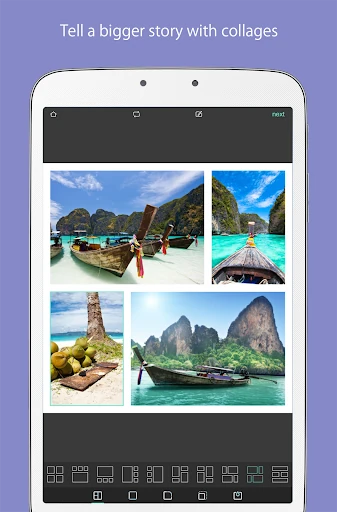
Pixlr AI Photo Editor, formerly known as Pixlr Express, continues to be a cornerstone in the mobile photography landscape by successfully bridging the gap between casual editing and professional-grade generative AI. With a massive community of over 18 million creators, the app has evolved into a powerhouse that leverages advanced AI technology to simplify complex tasks like object removal and generative filling. Its authoritative position in the market is sustained by its vast library of over 2 million effect combinations, making it a versatile tool for anyone looking to elevate their digital presence through high-quality visuals.
The UI of Pixlr AI Photo Editor is built on the principle of "sophisticated simplicity." Despite the immense depth of its feature set, the interface remains uncluttered, using a logical flow that guides the user from basic cropping to advanced AI manipulations. The UX is bolstered by the "Favorites" feature, which significantly reduces friction by allowing frequent users to bypass the vast library of 2 million effects to reach their preferred tools instantly. The responsive design ensures that complex AI processing feels seamless, even on mobile hardware, adhering to the high performance standards expected in the modern photography category.
While the AI features are industry-leading, future updates could benefit from a more robust batch-editing mode, allowing users to apply the same filters or AI enhancements to multiple photos simultaneously. Additionally, integrating a more advanced typography engine with better kerning and text-effect controls would further empower social media creators who rely heavily on text-based content.
Pixlr AI Photo Editor is a top-tier recommendation for social media influencers, hobbyist photographers, and digital content creators who require a "Swiss Army Knife" for their visual assets. Its blend of traditional editing tools and futuristic AI capabilities makes it one of the most comprehensive free editors available on the Google Play Store. It is best suited for users who want to push the boundaries of mobile creativity without migrating to a complex desktop workflow.