Google Keep - Notes and lists
Google LLC
Downloads
1,000,000,000+
Version
Latest
Advertisement
Click to download now, finish the installation quickly, and directly unlock the "all-round experience"
Advertisement
Screenshots
Click to download now, finish the installation quickly, and directly unlock the "all-round experience"
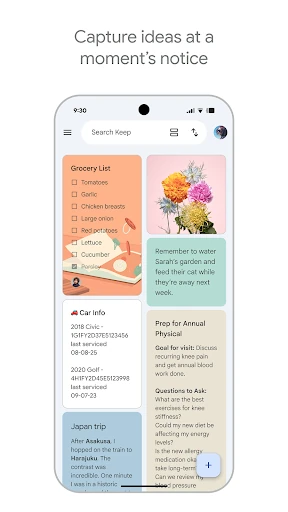
Google Keep - Notes and lists stands as the quintessential lightweight capture tool within the Google Workspace ecosystem. Unlike heavy-duty competitors like Notion or Evernote, Keep prioritizes speed and friction-free entry, serving as the digital equivalent of a pocket notebook. In the broader productivity landscape, it functions as the "top-of-funnel" storage for fleeting thoughts, grocery lists, and quick reminders, offering unparalleled integration for users already invested in Google’s services.
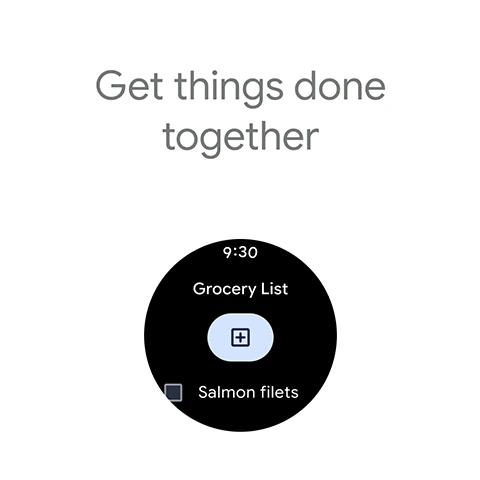
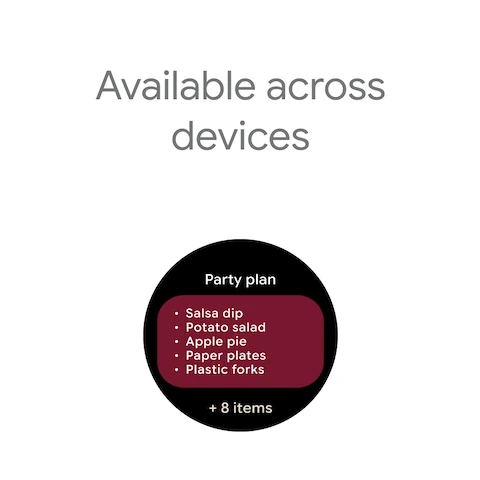
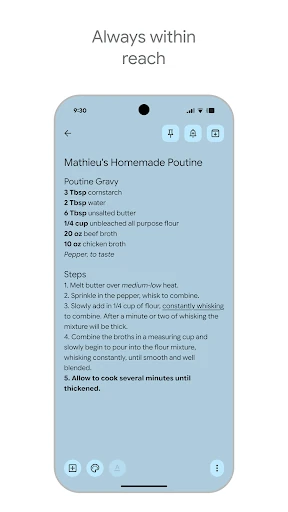
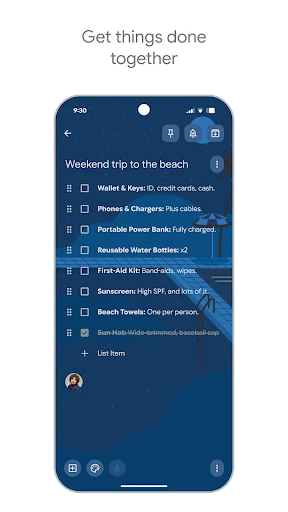
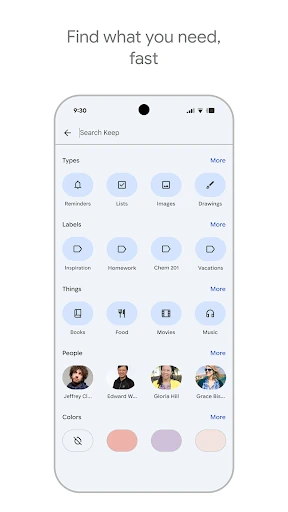
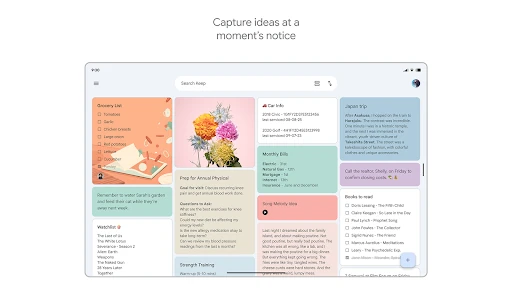
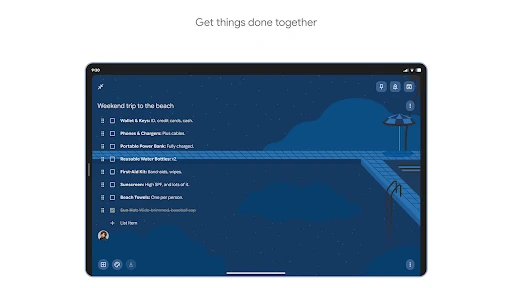
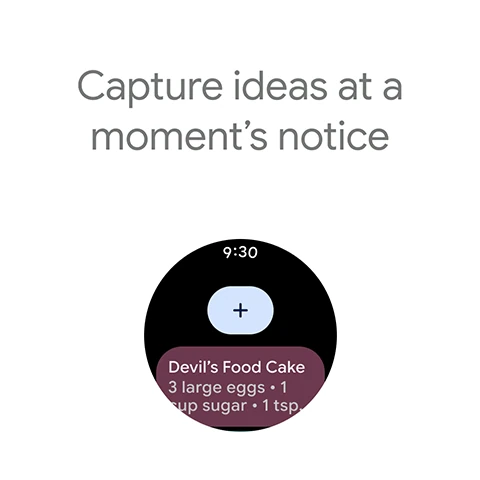
The UI of Google Keep adheres strictly to Material Design principles, utilizing a "sticky note" metaphor that is immediately intuitive for all age groups. The card-based layout allows for a high density of information without feeling cluttered, while the drag-and-drop interface makes reordering priorities a breeze. From a UX perspective, the app excels in its responsiveness and the consistency of experience across different form factors, particularly its effective use of widgets and Wear OS tiles for "glanceable" productivity.
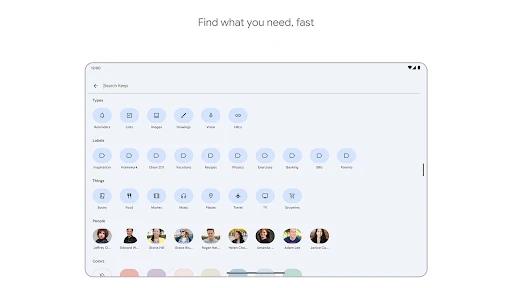
To further its dominance in the productivity space, Google Keep would benefit greatly from basic markdown support or a standard rich text editor. Additionally, introducing the ability to nest labels or create sub-folders would appeal to power users who find the current "flat" organization system too restrictive for managing complex, multi-stage projects.
Google Keep is the premier choice for students, busy professionals, and casual users who require a fast, reliable, and free method to capture data on the fly. While it may not replace a dedicated project management tool for enterprise-level tasks, its simplicity and ecosystem integration make it an essential utility for anyone seeking to reduce cognitive load and organize their daily life. It is the gold standard for digital "scratchpad" applications.