Advertisement
Click to download now, finish the installation quickly, and directly unlock the "all-round experience"
Advertisement
Screenshots
Click to download now, finish the installation quickly, and directly unlock the "all-round experience"
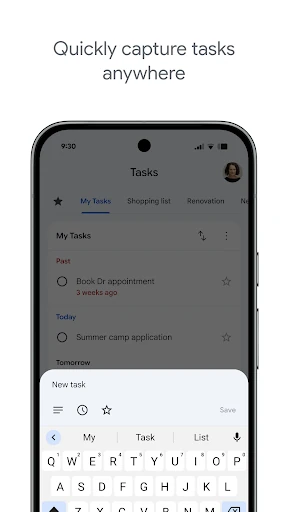
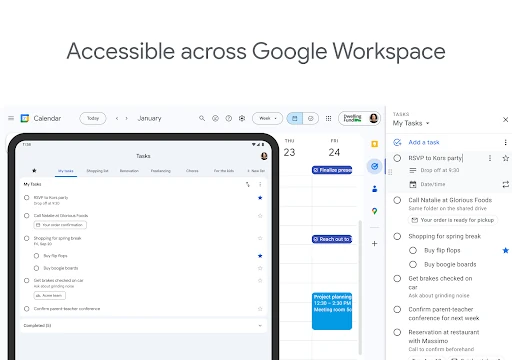
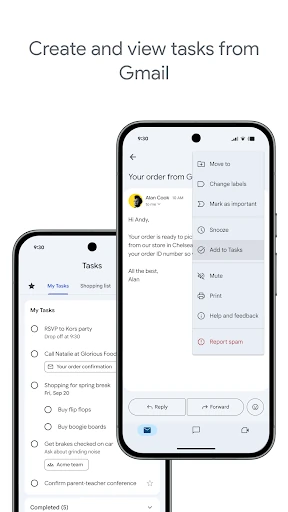
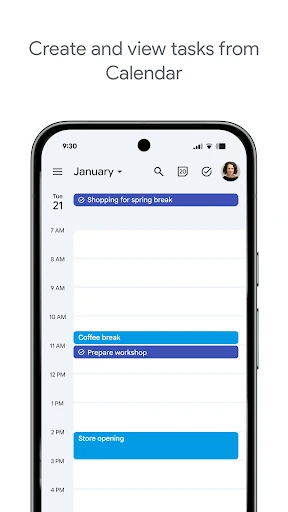
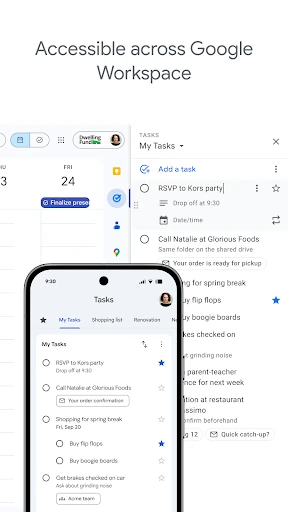
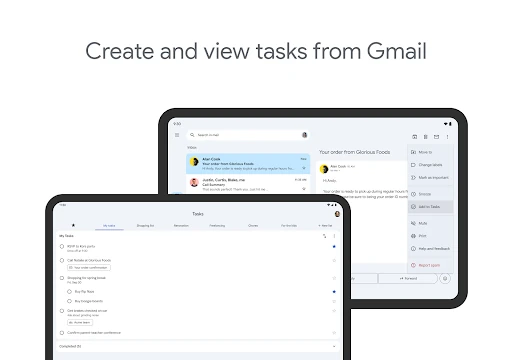
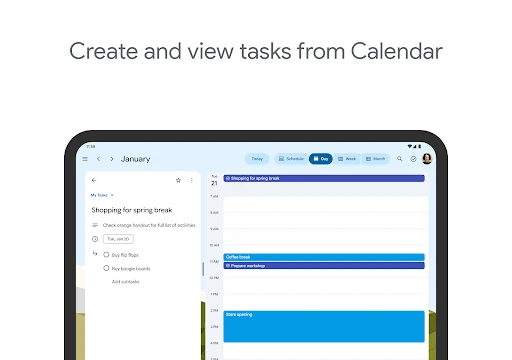
Google Tasks serves as a streamlined, minimalist anchor within the expansive Google Workspace ecosystem. Unlike heavy-duty project management tools that often overwhelm users with feature bloat, Google Tasks focuses on the core essence of productivity: capturing and completing individual to-dos. By leveraging its deep integration with Gmail and Google Calendar, it provides a frictionless experience for users who need to bridge the gap between their communications and their actionable items. It is a vital tool for those seeking a "less is more" approach to personal organization in a crowded productivity landscape.
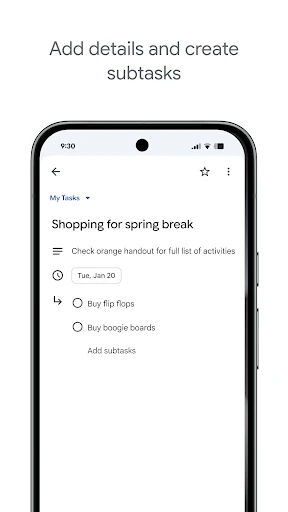
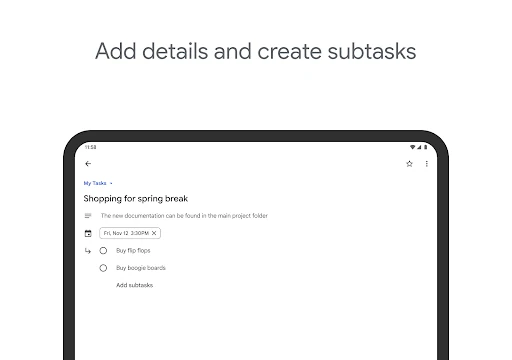
The interface of Google Tasks is a masterclass in Material Design principles. It prioritizes clarity and whitespace, which is essential in a productivity app to prevent user anxiety. The interface is intentionally sparse, keeping the focus entirely on the text of the tasks themselves. Navigation is handled via a clean bottom bar and simple swiping gestures, making the experience feel lightweight and responsive. While power users might find the lack of custom themes or complex layouts limiting, the general user benefits from an interface that requires zero learning curve.
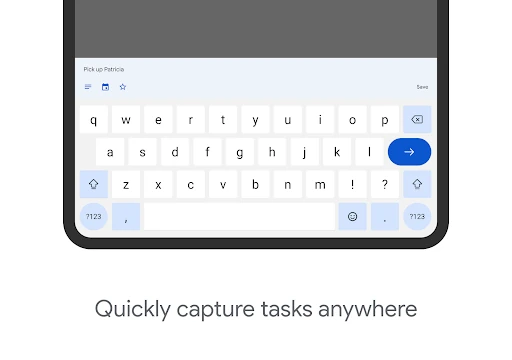
To truly evolve, Google Tasks should consider implementing natural language processing (NLP) for date and time entry, such as automatically setting a reminder when a user types "Meeting tomorrow at 5 PM." Additionally, the inclusion of location-based reminders and more robust sharing capabilities for collaborative lists would elevate the app from a personal checklist to a more versatile daily companion.
Google Tasks is the ideal solution for individuals who are already embedded in the Google Workspace ecosystem and prioritize speed and simplicity over complex project management workflows. It is best suited for students, busy professionals, and casual users who need a reliable, cross-device digital notepad to track daily responsibilities. It is a highly recommended "essential" tool for the minimalist productivity enthusiast.