
Gaming Mode - Game Booster PRO
ZipoApps
Downloads
10,000,000+
Version
Latest
Advertisement
Click to download now, finish the installation quickly, and directly unlock the "all-round experience"
Advertisement
Screenshots
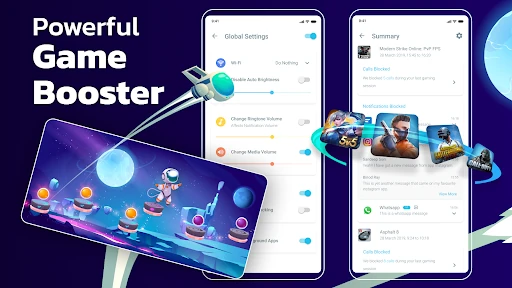
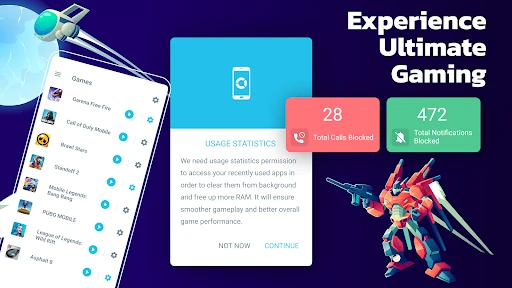
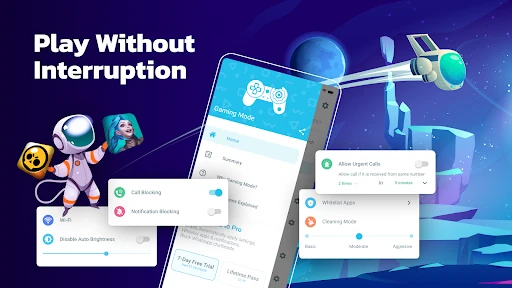
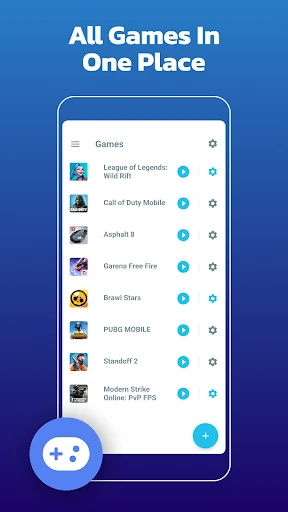
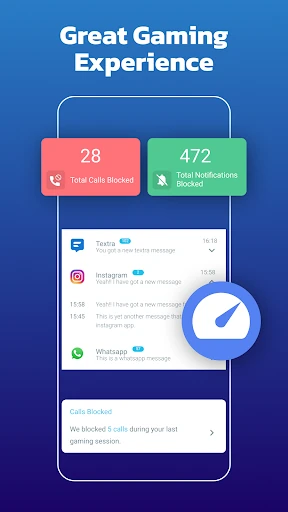
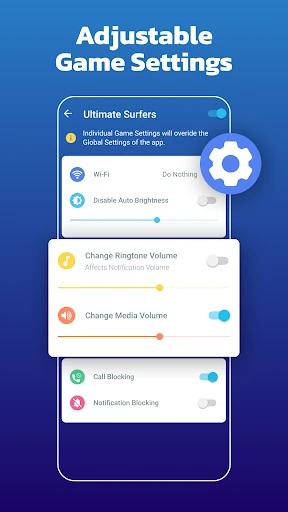
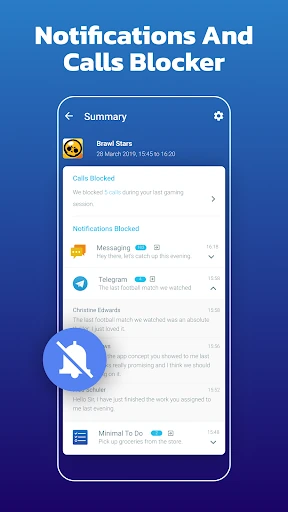
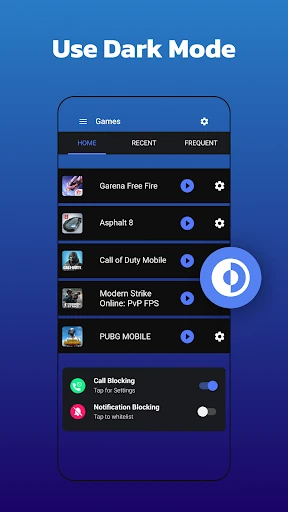
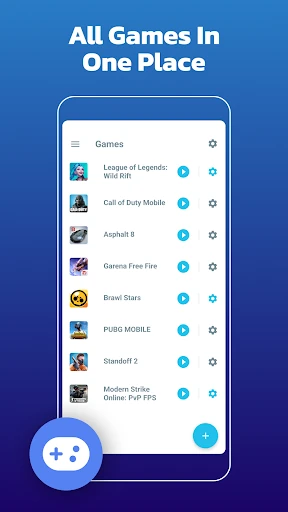
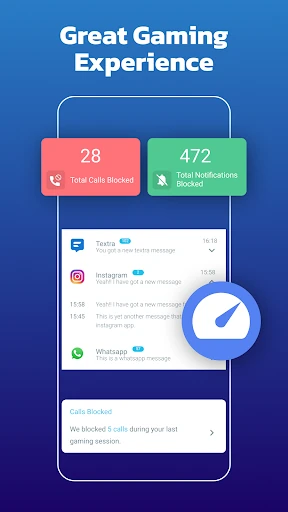
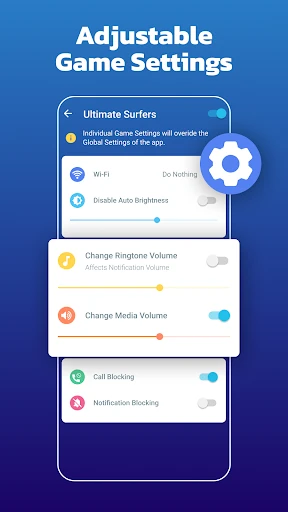
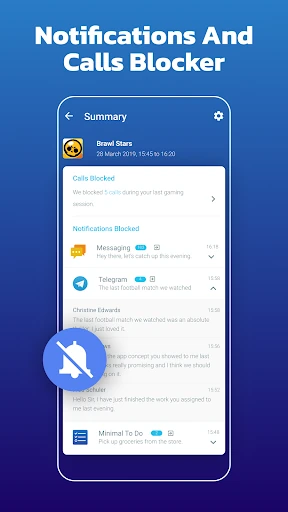
Click to download now, finish the installation quickly, and directly unlock the "all-round experience"
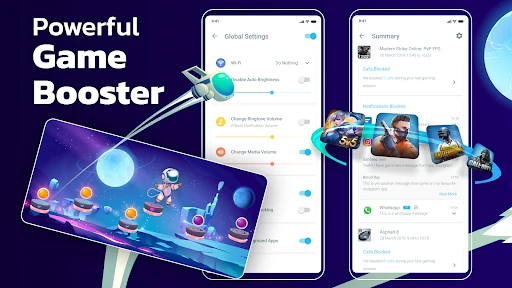
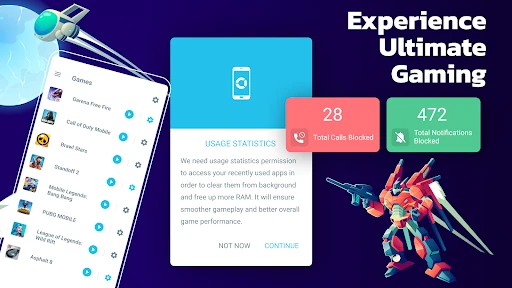
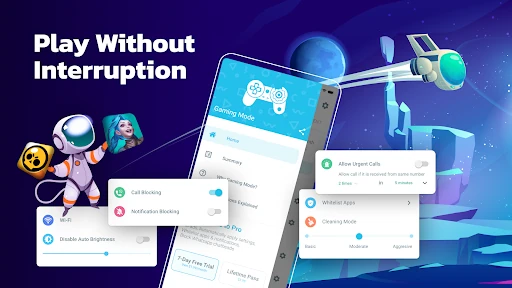
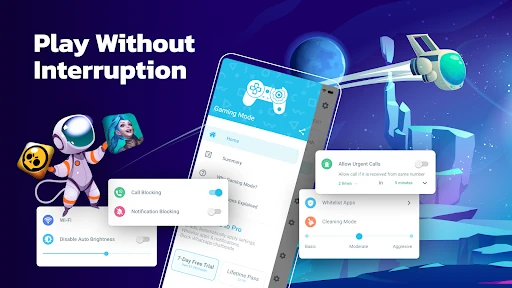
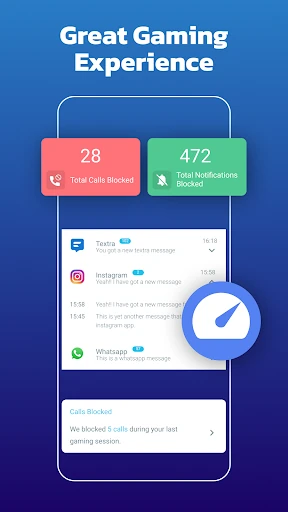
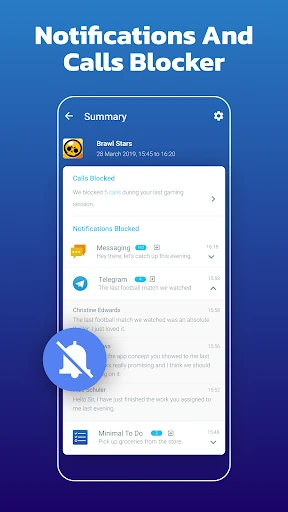
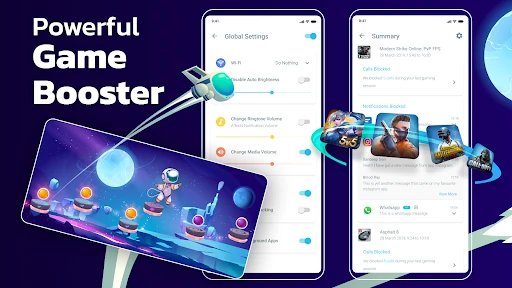
Gaming Mode - Game Booster PRO is a sophisticated utility that sits at the intersection of performance optimization and the Personalization category. In an era where mobile gaming is increasingly competitive, this app addresses the critical need for a distraction-free environment. Unlike simple "ram boosters" that offer dubious benefits, this tool focuses on environmental automation—managing calls, notifications, and system settings to ensure that the hardware behaves exactly how the user needs during high-stakes sessions. It is a professional-grade solution for users who want to transform their standard smartphone into a dedicated gaming rig with minimal manual intervention.
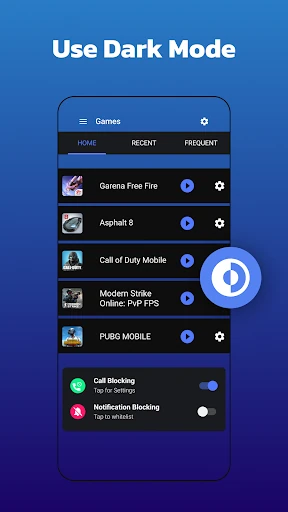
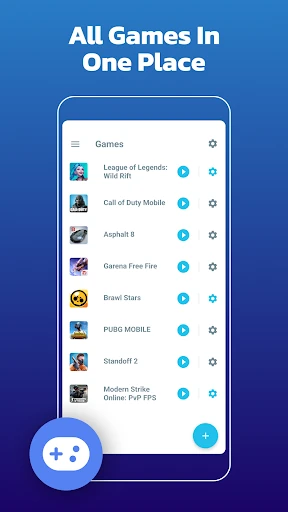
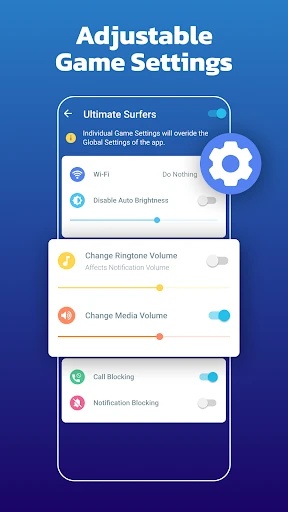
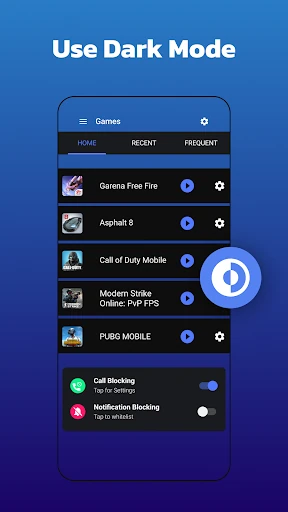
The user interface follows a functional, utility-first design language typical of the Personalization category. The UX is anchored by the "set-and-forget" philosophy; the dashboard is organized logically, allowing for both global settings and per-app overrides. The inclusion of home screen widgets significantly enhances the accessibility of the tool, though the interface itself leans more toward technical efficiency than aesthetic flair. For the target demographic of power users and gamers, the clean, data-driven layout is appropriate and reduces the learning curve for setting up complex automation routines.
Future updates could benefit from adding real-time hardware monitoring overlays, such as an FPS counter or temperature gauge, to provide more visual feedback during gameplay. Additionally, providing more clarity within the UI regarding how the local VPN works would help alleviate privacy concerns for less technical users. Expanding the automation to include "Performance Modes" that can toggle high-refresh-rate settings on supported devices would further solidify its "PRO" status.
Gaming Mode - Game Booster PRO is an essential tool for dedicated mobile gamers, particularly those playing titles where a single notification or call could result in a loss. It is less about "boosting" hardware and more about "optimizing" the user's focus and the device's environment. We highly recommend this app for competitive players and content creators who require a seamless, uninterrupted mobile experience. It is a top-tier personalization utility that successfully tames the chaotic nature of Android notifications.