
Advertisement
Click to download now, finish the installation quickly, and directly unlock the "all-round experience"
Advertisement
Screenshots


Click to download now, finish the installation quickly, and directly unlock the "all-round experience"
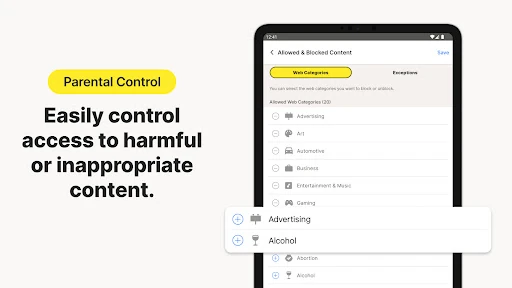
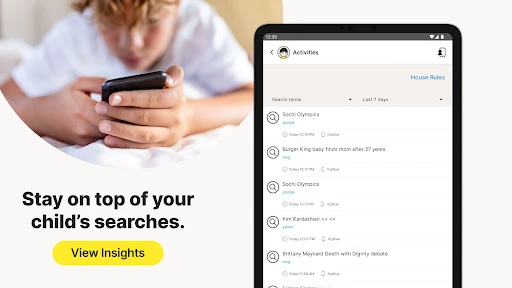
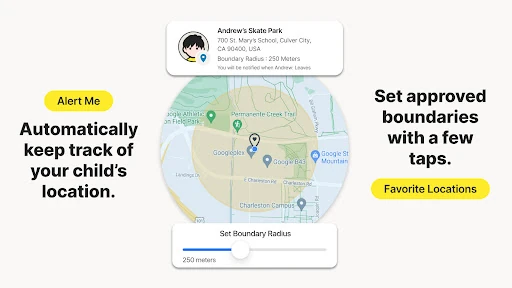
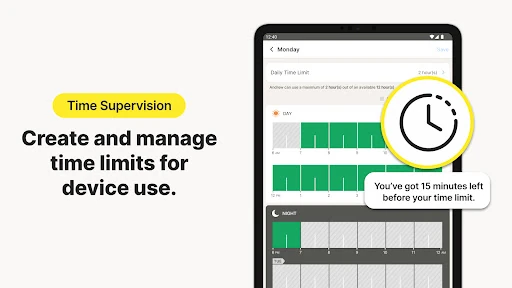
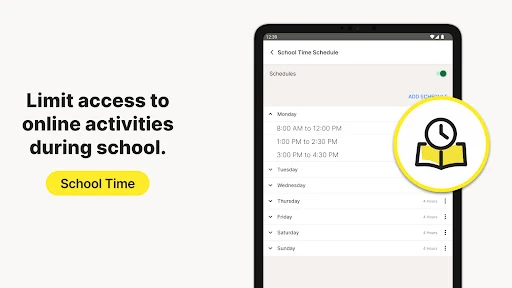
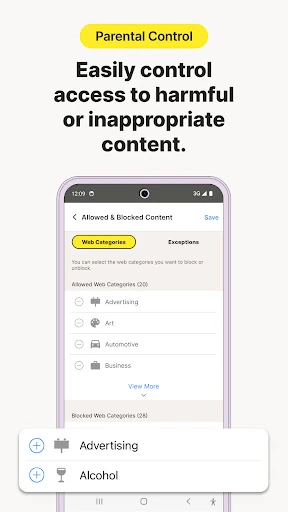
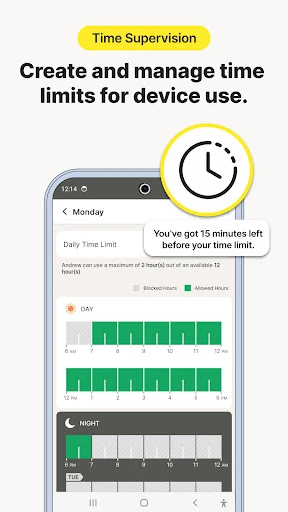
Norton Family Parental Control stands as a sophisticated pillar in the parenting tech landscape, leveraging the security expertise of NortonLifeLock to provide a robust digital safety net. It moves beyond simple content blocking by positioning itself as a tool for digital parenting and habit-forming. In a market crowded with invasive tracking apps, Norton Family distinguishes itself by fostering a transparent environment where parents can guide their children through the complexities of the web, hybrid learning, and screen-time management with authoritative, professional-grade tools.
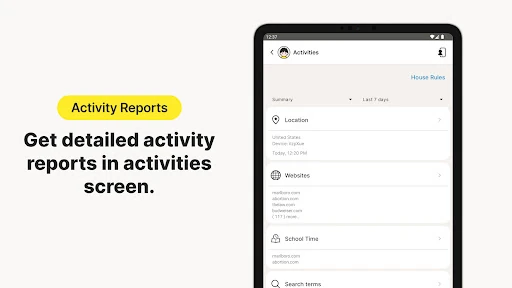
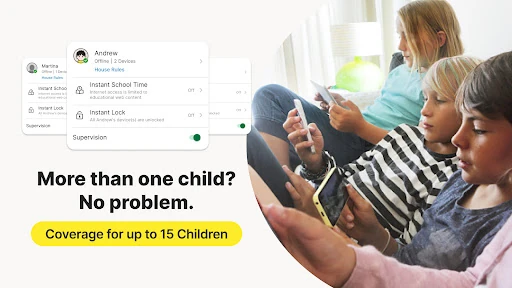
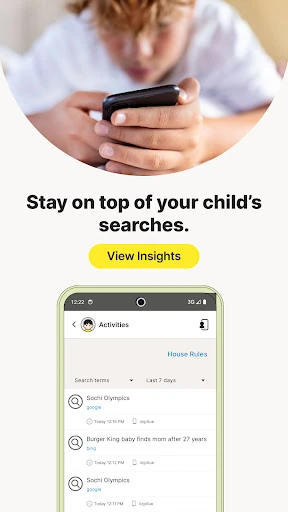
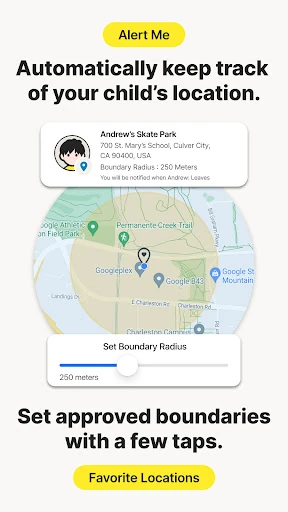
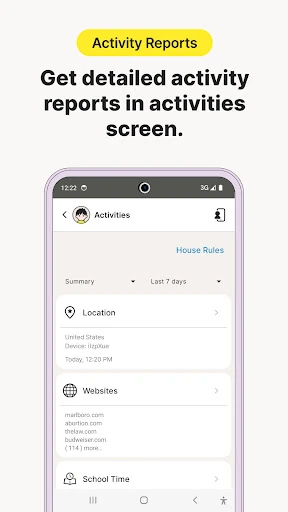
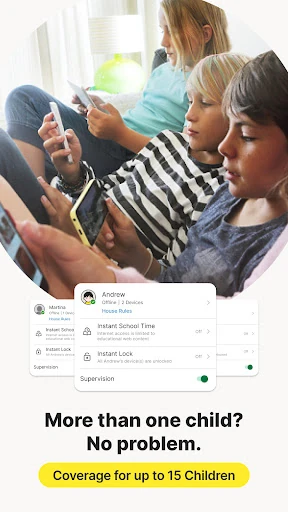
The interface of Norton Family reflects its security-first heritage, prioritizing a clean, utilitarian aesthetic that focuses on data clarity. The UI is structured to manage multiple children and a variety of devices—from Windows PCs to Android and iOS phones—all from a centralized parent dashboard. While the setup process requires navigating deep system permissions like the AccessibilityService API, the UX provides clear instructions to ensure parents can successfully link devices. The design is professional and serious, matching the high-stakes nature of child safety, though it leans more toward functional efficiency than playful engagement.
For future updates, Norton should focus on expanding Video Supervision to include a broader range of social media platforms and the dedicated YouTube app, as most children prefer apps over mobile browsers. Additionally, bridging the feature gap on iOS devices would make the service more appealing to Apple-centric households. A more modern, "lifestyle" oriented redesign of the parental dashboard could also make the vast amount of data more digestible for less tech-savvy parents.
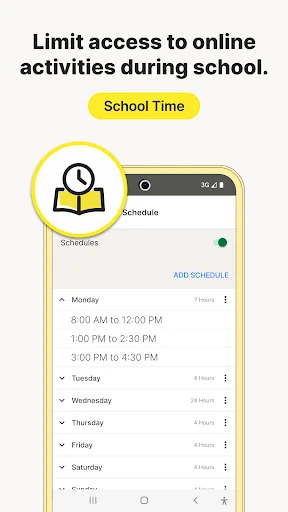
Norton Family Parental Control is an ideal solution for parents who manage a multi-device household and want a balance between strict monitoring and educational guidance. It is particularly effective for families with school-aged children who use devices for both learning and leisure. While it faces some OS-level limitations on iOS, its robust feature set on Android and Windows makes it a top-tier recommendation for parents seeking a reputable, all-in-one digital safety suite.