Advertisement
Click to download now, finish the installation quickly, and directly unlock the "all-round experience"
Advertisement
Screenshots
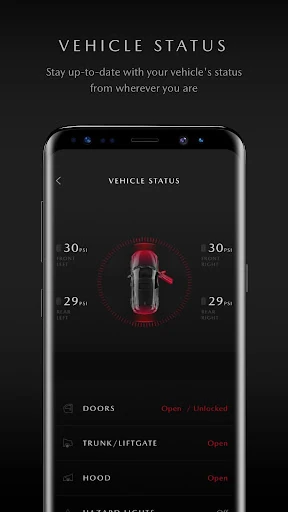
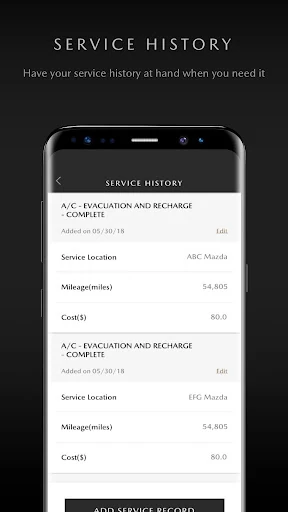
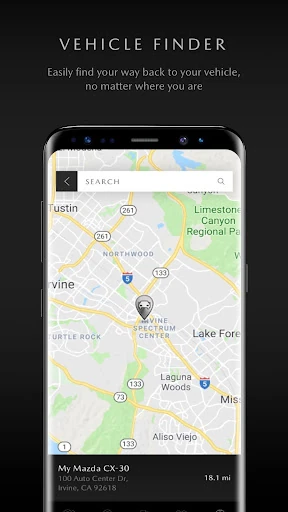
Click to download now, finish the installation quickly, and directly unlock the "all-round experience"
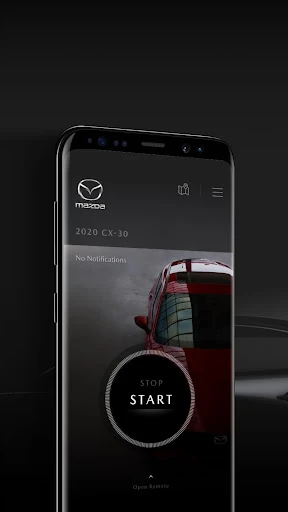
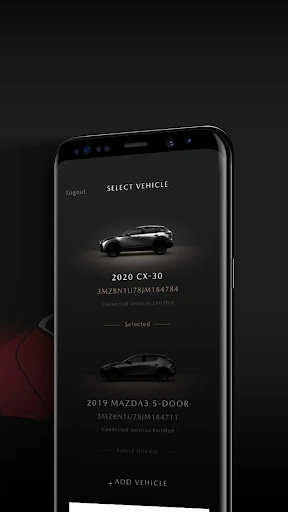
The MyMazda app stands as a sophisticated bridge between the driver and their vehicle, positioning itself as a critical utility within the automotive lifestyle category. Far from being a mere digital manual, the app serves as a centralized hub for vehicle health, maintenance logistics, and remote telematics. For Mazda owners, particularly those with 2019 and newer models, it transforms the smartphone into a vital peripheral that enhances both the convenience and safety of the driving experience.
The interface of MyMazda reflects the brand's minimalist "Kodo" design philosophy, focusing on high-contrast legibility and a clean, uncluttered layout. Navigating between the vehicle status dashboard and service menus is intuitive, adhering to modern Android design patterns. The lifestyle integration is seamless, though the experience is heavily dependent on the specific hardware capabilities of the vehicle model, which is clearly communicated through the UI to manage user expectations.
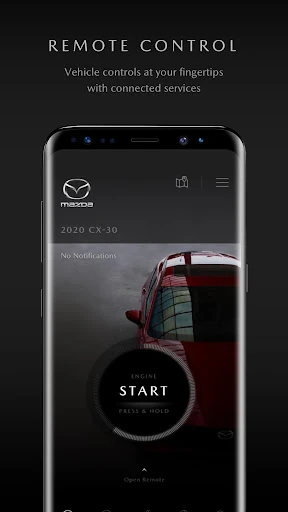
To truly lead the category, the app could benefit from deeper integration with third-party navigation apps to "send to car" destinations more fluidly. Furthermore, increasing the speed of the handshake between the app and the vehicle for remote start commands would minimize the latency sometimes experienced in low-signal areas. Finally, expanding the "Service History" to allow for third-party shop data imports would provide a more holistic view of vehicle maintenance.
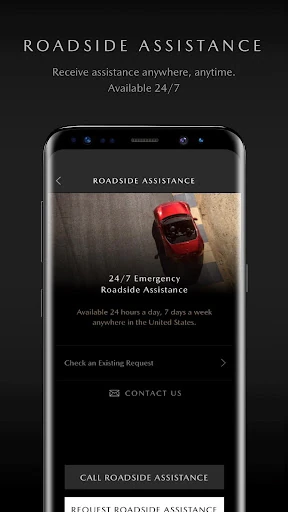
MyMazda is an essential download for any Mazda owner, particularly those who have purchased a vehicle within the last five years. It is best suited for tech-savvy drivers who value proactive vehicle maintenance and the convenience of remote climate and security control. While the subscription-based nature of Connected Services is a hurdle for some, the core utility of the app—roadside assistance, manuals, and service scheduling—remains a top-tier offering for the Mazda community.