
Web Video Cast | Browser to TV
InstantBits Inc
Downloads
50,000,000+
Version
Latest
Advertisement
Click to download now, finish the installation quickly, and directly unlock the "all-round experience"
Advertisement
Screenshots
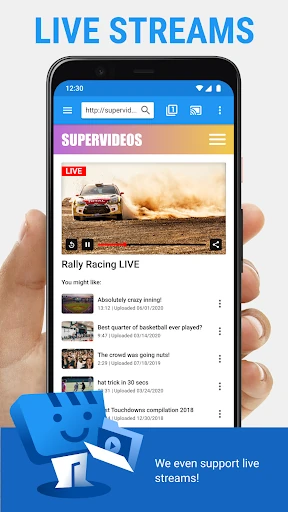
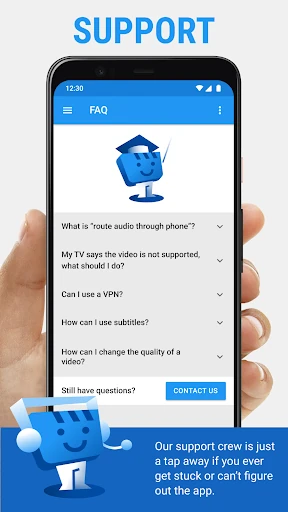
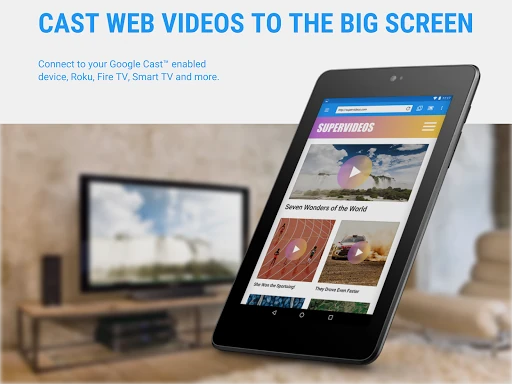
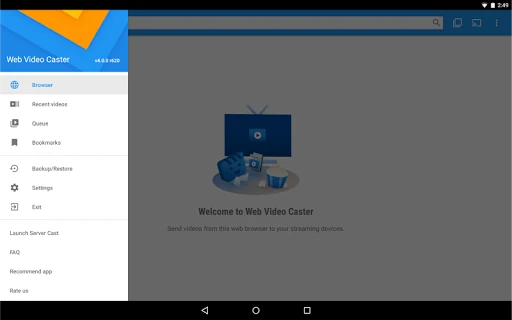
Click to download now, finish the installation quickly, and directly unlock the "all-round experience"
Web Video Cast | Browser to TV stands as a powerhouse utility within the Video Players & Editors landscape, serving as a vital bridge between mobile web browsing and home entertainment systems. Unlike native casting solutions that are often restricted to specific ecosystems, this app excels by offering a "universal" approach to media transmission. It effectively solves the common frustration of web-based videos lacking native "Cast" buttons, making it an essential tool for users who consume content outside of the major streaming walled gardens.
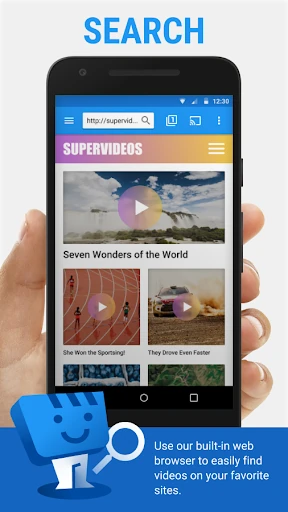
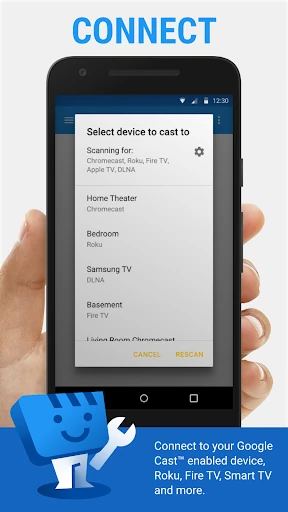
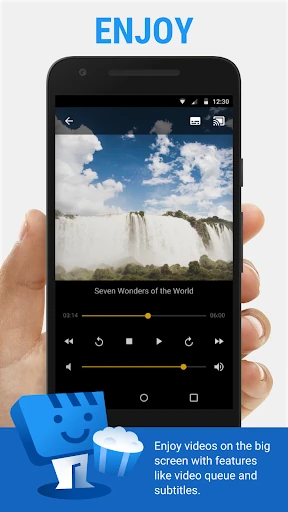
The user interface of Web Video Cast follows a functional, utility-first philosophy. While it prioritizes performance over aesthetic flourishes, the three-step workflow—Browse, Play, Connect—is logically structured to minimize user friction. The integration of the browser directly into the casting interface is a significant UX win, as it prevents the user from having to jump between different applications. For the Video Players & Editors category, the app provides an impressive level of transparency, providing clear feedback on connection status and media detection, though the density of features may present a slight learning curve for non-technical users.
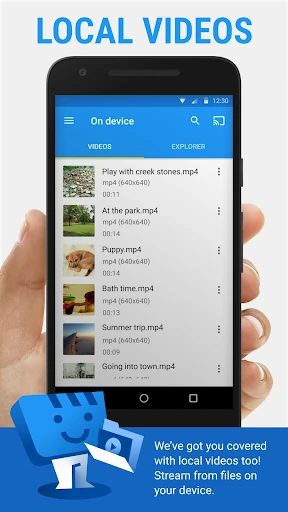
To further elevate the user experience, the developers could implement a more modern "Material You" design refresh to make the interface feel more integrated with current Android standards. Additionally, adding direct integration with popular cloud storage services like Google Drive or Dropbox within the file explorer would provide a more seamless experience for users who store their personal media libraries in the cloud rather than on physical device storage.
Web Video Cast | Browser to TV is the definitive solution for "cord-cutters" and power users who want total control over their media consumption. It is specifically recommended for users with fragmented home setups (e.g., a mix of Roku, old Smart TVs, and DLNA receivers) who require a single, reliable point of control. If you frequently find yourself wishing you could "throw" a web video from your phone to your TV, this is an indispensable addition to your app library.