Advertisement
Click to download now, finish the installation quickly, and directly unlock the "all-round experience"
Advertisement
Screenshots
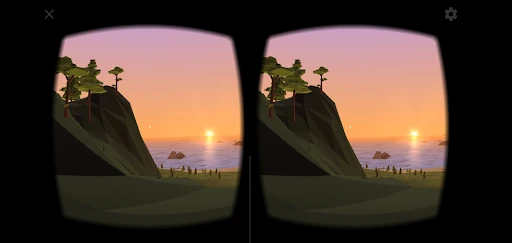
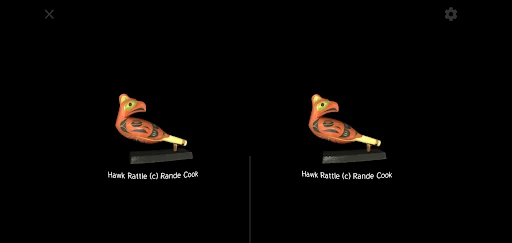
Click to download now, finish the installation quickly, and directly unlock the "all-round experience"
Cardboard serves as the essential gateway to mobile virtual reality, acting as both a functional utility and a foundational reference within the Libraries & Demo category. By transforming a standard smartphone into an immersive device, it bridges the gap between high-end hardware and accessible consumer technology. Its transition to an open-source software (OSS) SDK ensures that it remains a vital touchstone for developers and a reliable launcher for users exploring the world of 360-degree content.
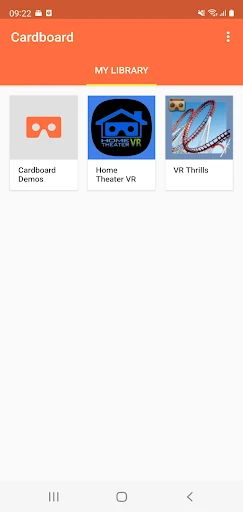
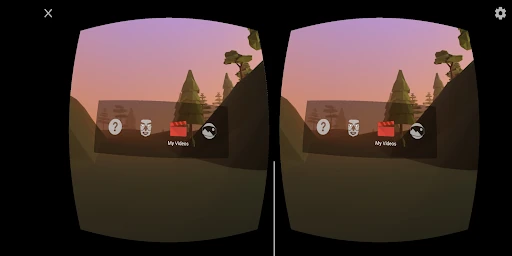
The interface reflects a "utility-first" philosophy characteristic of Google’s design language. The UX is intentionally minimalist, focusing on high-contrast elements and large touch targets to accommodate users who may be preparing to insert their device into a viewer. For a Libraries & Demo app, the onboarding flow is exceptionally smooth, guiding the user through the physical setup of their viewer with clear, step-by-step instructions that minimize friction during the initial setup phase.
The application would benefit from a more modern visual refresh to align with current Material Design standards. Furthermore, integrating a "Community Spotlight" section could help highlight the best open-source projects being developed on the SDK, giving users a reason to return to the app more frequently beyond the initial viewer setup.
Cardboard is the definitive starting point for VR novices, educators, and tech enthusiasts who want a low-cost entry into virtual reality. It remains a crucial tool for anyone owning a basic VR headset. While it is no longer the cutting edge of VR technology, its role as a reliable, open-source demo platform makes it an essential installation for mobile users looking to expand their smartphone's capabilities.