Advertisement
Click to download now, finish the installation quickly, and directly unlock the "all-round experience"
Advertisement
Screenshots
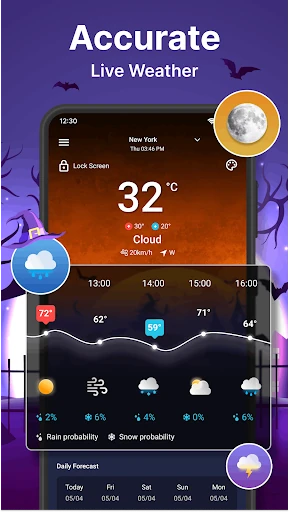
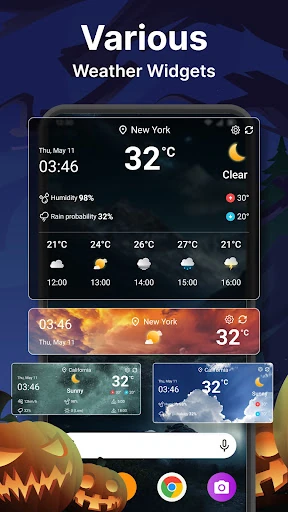
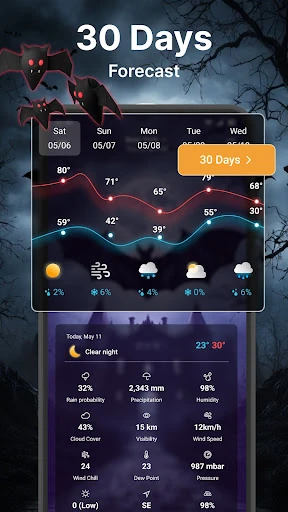
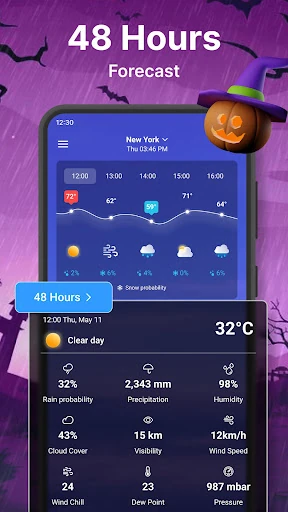
Click to download now, finish the installation quickly, and directly unlock the "all-round experience"
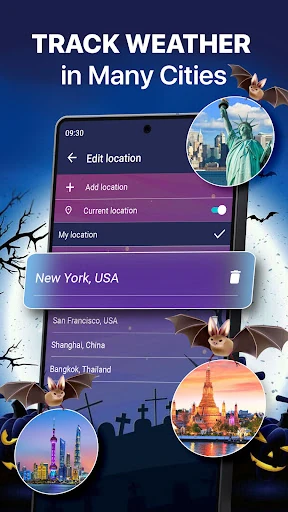
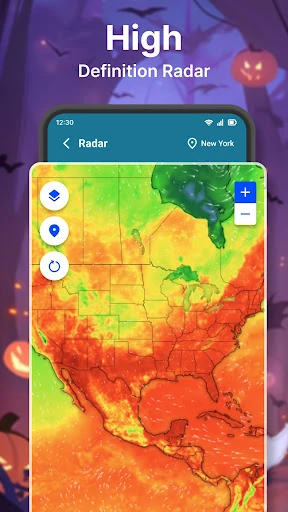
Weather Forecast is a versatile and utility-focused application that carves out a reliable space within the competitive Google Play weather landscape. By prioritizing localized accuracy and automatic updates, the app serves as a comprehensive meteorological dashboard. It balances essential data points like temperature and precipitation with advanced metrics, ensuring users are well-equipped for daily planning regardless of their global location. The professional integration of real-time radar and moon phase data positions it as a sophisticated tool for both casual users and weather enthusiasts.
The interface of Weather Forecast is built on the philosophy of simplicity and accessibility. It employs a "one-touch" navigation logic that allows users to toggle between hourly, daily, and seven-day forecasts with minimal effort. While the design is utilitarian, it succeeds in organizing high-density information—such as wind speed, humidity, and radar maps—into a readable format that doesn't overwhelm the user. The inclusion of status bar notifications further streamlines the UX, making weather monitoring a seamless background task for the Android power user.
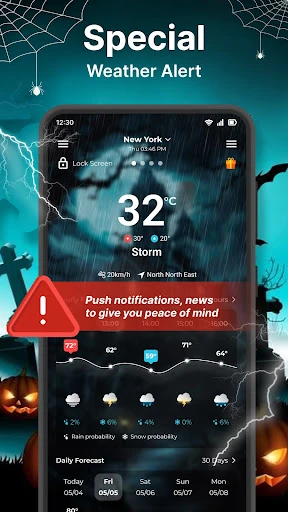
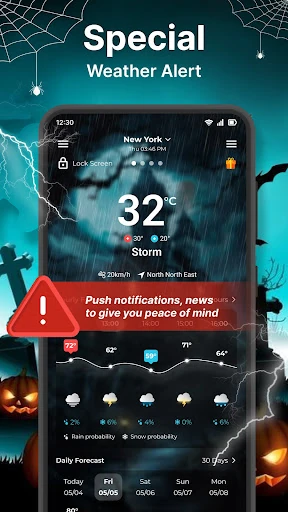
To elevate the app to a "Best in Class" status, the developers should consider integrating severe weather push alerts to warn users of impending storms or natural disasters. Additionally, modernizing the visual aesthetic with more fluid animations or a modern Material Design 3 overhaul would appeal to users seeking a more premium look. Introducing historical weather trends could also add a layer of depth for users interested in long-term climate tracking.
Weather Forecast is an ideal choice for commuters, frequent travelers, and individuals who require more than just a basic temperature reading. It offers a robust alternative to native system weather apps by providing richer data sets, live radar, and superior customization options like lock screen info. For anyone seeking a dependable, all-in-one meteorological companion that updates reliably on the go, this app is a solid recommendation.