Advertisement
Click to download now, finish the installation quickly, and directly unlock the "all-round experience"
Advertisement
Screenshots
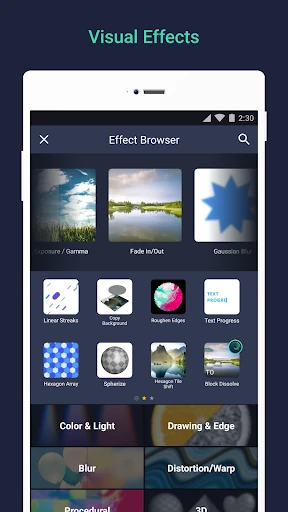
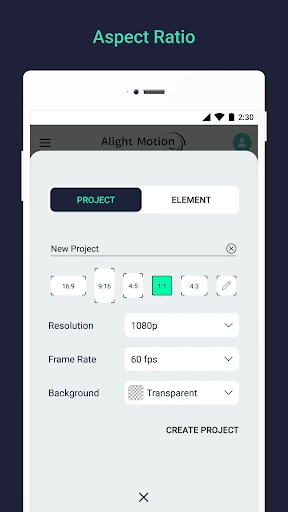
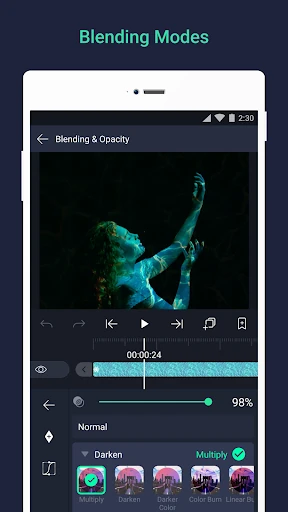
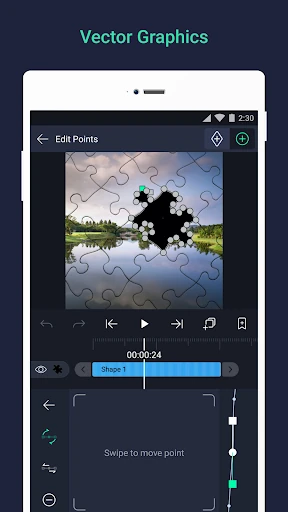
Click to download now, finish the installation quickly, and directly unlock the "all-round experience"
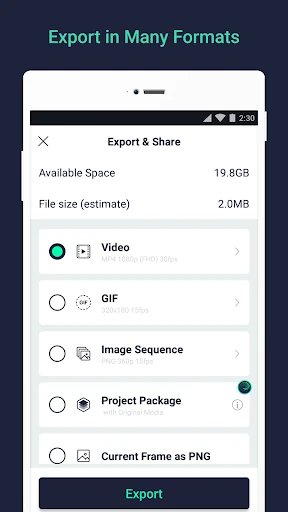
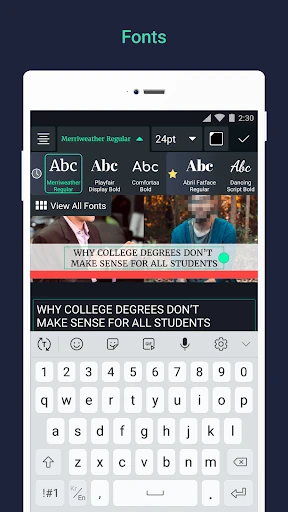
Alight Motion represents a significant milestone in the mobile Video Players & Editors landscape, effectively bridging the gap between casual video editing and professional motion graphics. As the first truly professional-grade motion design application for the Android ecosystem, it brings sophisticated capabilities—traditionally reserved for desktop software like Adobe After Effects—into a mobile-first environment. Our analysis reveals an app that is not merely for trimming clips, but a robust engine for visual storytelling, compositing, and complex animation that empowers creators to produce high-fidelity content without a workstation.
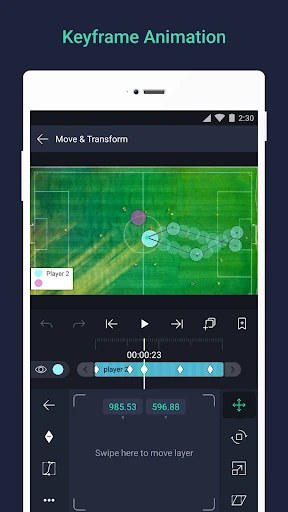
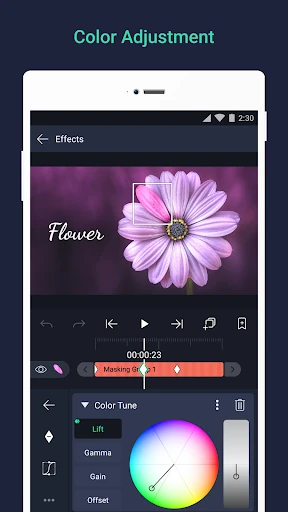
The UI of Alight Motion is designed with the power user in mind, prioritizing functional density over minimalist simplicity. While the interface may initially appear daunting to a novice, it follows industry-standard logic for non-linear editors. The placement of the timeline, layer management, and property panels is intuitive for those familiar with professional design software. However, the sheer breadth of tools requires a significant learning curve. The UX excels in its precision—offering bookmarks, velocity-based motion blur, and group masking—but the experience is heavily dependent on hardware performance, requiring a minimum of 1.5GB of RAM to maintain stability during complex renders.
To further solidify its market position, Alight Motion should focus on optimizing its resource consumption to better accommodate mid-range devices. Additionally, the integration of more comprehensive in-app tutorials or "starter templates" would help bridge the gap for beginners. An improved asset management system for organizing "Favorite" elements and saved styles would also enhance workflow efficiency for professional creators who manage multiple high-volume projects.
Alight Motion is the definitive choice for serious content creators, social media influencers, and aspiring animators who require professional tools on the go. It is not recommended for users seeking a one-tap editing solution, but for those willing to master its complexity, it offers unparalleled creative freedom. We highly recommend this app for mobile-first creators who need desktop-class animation capabilities in the palm of their hand.