🏆 Expert Verdict & Overview
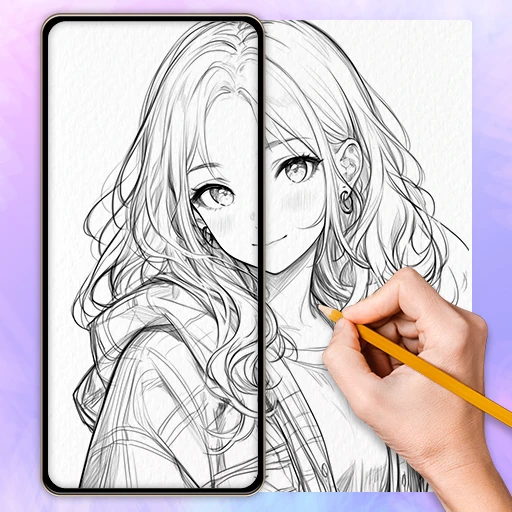
AR Drawing Paint Sketch Trace serves as a sophisticated bridge between digital inspiration and traditional artistic execution. By leveraging augmented reality, the app democratizes the complex skill of sketching, making it accessible to individuals who may lack formal training. In the current Art & Design landscape, it stands out as a high-utility "AR projector" that effectively lowers the barrier to entry for complex genres like anime and portraiture. Its professional-grade adjustment tools and AI-driven conversion features position it as a leading choice for users looking to transition from digital browsing to physical creation.
🔍 Key Features Breakdown
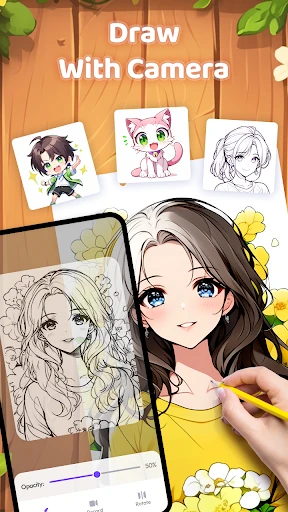
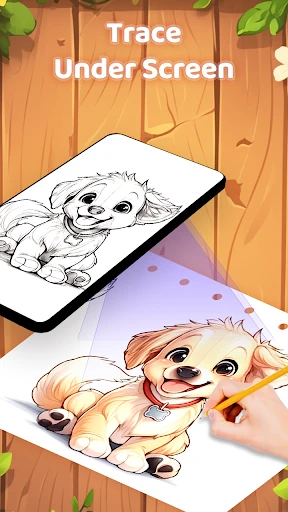
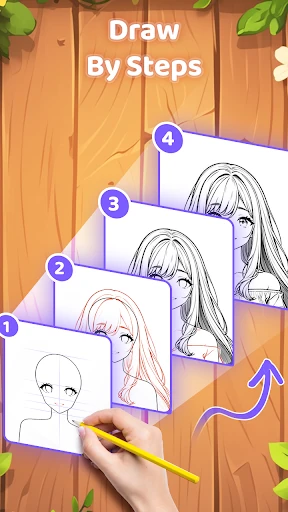
- AR Art Projector: This core technology overlays digital outlines onto physical surfaces via the camera feed, solving the common problem of improper proportions and perspective in freehand drawing.
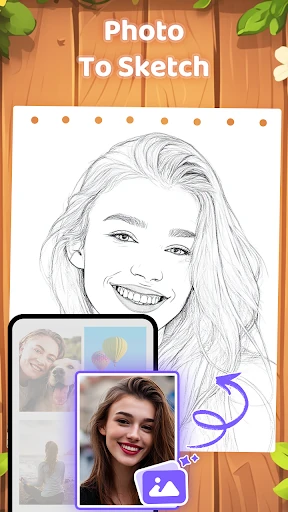
- AI-Powered Photo to Sketch: Automatically converts personal gallery images into simplified line art, allowing users to create custom masterpieces from their own memories without needing advanced editing skills.
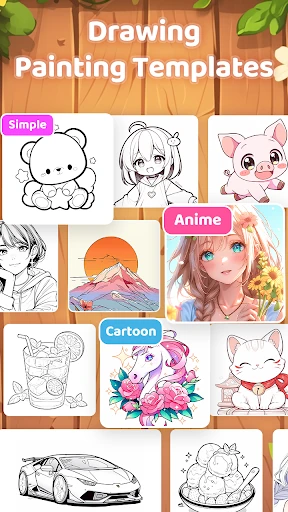
- Comprehensive Template Library: Features a vast array of categories including anime, aesthetics, and animals, providing immediate inspiration and eliminating "blank canvas" anxiety for beginners.
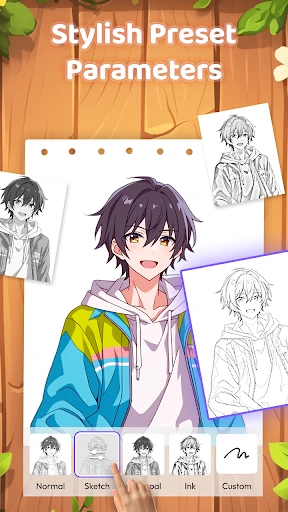
- Adjustable Visualization Settings: Users can modify transparency, rotation, and mirroring, while using the integrated flashlight tool to ensure clarity regardless of ambient lighting conditions.
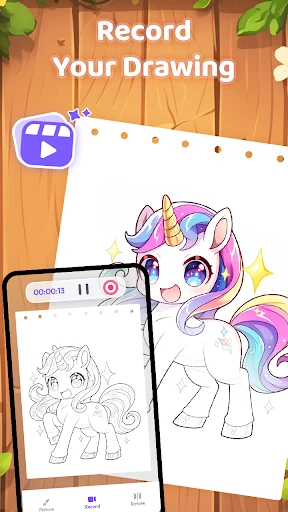
- Integrated Process Recording: Captures the creative journey from start to finish, allowing artists to share time-lapse content on social media and document their skill progression.
🎨 User Experience & Design
The interface of AR Drawing Paint Sketch Trace is designed with a "utility-first" mindset, ensuring that the camera viewport remains the primary focus. The UX journey is logically structured, beginning with a dedicated tutorial page that manages user expectations regarding physical setup—a critical step for AR-based applications. The control overlay is unobtrusive yet accessible, allowing for real-time adjustments to line transparency and sizing without interrupting the creative flow. By adhering to standard Art & Design UI patterns, the app remains intuitive for those familiar with digital drawing tools while staying simple enough for casual hobbyists.
⚖️ Pros & Cons Analysis
- ✅ The Good: Exceptionally versatile for all skill levels, providing a "digital training wheels" experience for beginners and a precision tool for experts.
- ✅ The Good: The inclusion of mirroring and transparency controls offers professional-level customization that many free drawing apps lack.
- ❌ The Bad: High dependency on external physical hardware; users must have a stable phone stand or tripod to prevent image shifting during the trace.
- ❌ The Bad: Continuous camera and flashlight usage can lead to significant battery consumption and device heating during extended sketching sessions.
🛠️ Room for Improvement
To further elevate the user experience, the developers should consider implementing software-based image stabilization to counteract minor vibrations or accidental phone nudges. Introducing a "Lock Screen" mode that freezes touch inputs while tracing would prevent accidental setting changes. Furthermore, adding cloud synchronization for the image library would allow users to start projects on one device and resume on another with their custom converted sketches intact.
🏁 Final Conclusion & Recommendation
AR Drawing Paint Sketch Trace is an ideal solution for aspiring artists, students, and anime enthusiasts who want to develop their hand-eye coordination through guided tracing. It effectively transforms a smartphone into a portable light box, making it a valuable educational tool for those learning the fundamentals of line art. We highly recommend this app for hobbyists who want to create impressive physical artwork without the steep learning curve of traditional freehand sketching.